
Understanding Deutschland Veranstaltungskalender for tech readers
A practical explainer for tech readers on how the Deutschland Veranstaltungskalender can help plan tech events, conferences, and networking opportunities in Ger

A Deutschland Veranstaltungskalender helps tech readers discover relevant events across Germany, from developer meetups to large conferences. This explainer shows what it is, why it matters for technology professionals, and how to use it effectively. You’ll learn when to consult it, what details to verify, and how to integrate event calendars into your project planning.
Starting with the basics, a calendar of events aggregates listings from organizers and venues, then filters them by location, date, and topic. Tech teams can use it to scout collaboration opportunities, vendor demos, or learning sessions. The article then moves into practical steps for using a calendar efficiently and avoiding common pitfalls.
Finally, we cover practical workflows for subscribing to feeds, exporting events, and maintaining an up-to-date calendar alongside your project milestones. This approach helps you align tech strategy with community happenings, without overloading schedules.
- A Deutschland Veranstaltungskalender is a centralized resource for tech events across Germany, valuable for planning learning, partnerships, and product strategy.
- Tech readers should pick trusted calendars, filter by topics relevant to their work, and integrate event data into existing planning tools.
- Use automation judiciously, combine with human oversight, and maintain clear calendars to avoid missed opportunities and calendar clutter.
What the calendar is and who uses it
Definition and scope
A Deutschland Veranstaltungskalender is an organized listing of events happening in Germany. It covers tech conferences, hackathons, meetups, and educational programs relevant to developers and engineers. Users rely on it to discover opportunities near them and to plan travel around key tech dates.
- Relying on a single source when multiple calendars exist
- Ignoring time zones and local holidays leading to scheduling gaps
- Missing pre-registration deadlines and venue requirements
The calendar aggregates data from organizers and venues, often with search filters for topic, date, and city. It helps tech professionals stay informed about changes or new sessions that fit their interests. If you work with cross-border teams, it also highlights events in adjacent regions that could impact project work.
A clear calendar reduces the risk of missing important sessions or demonstrations. It supports strategic planning for teams seeking partnerships, speakers, or potential hires.
- Identify calendars that focus on your tech niche
- Filter by location and date to prioritize relevancy
- Subscribe to feeds to receive updates
- Cross-check event listings with official pages
- Archive past events for reference
Using it in workflows
Tech teams can embed calendar checks into sprint planning or release cycles. By tracking relevant sessions, you can align learning objectives with product milestones. This reduces the risk of missing a critical developer conference that could inform your roadmap.
Integrate calendar data with team calendars or project management tools to keep everyone aligned. Automations can flag overlapping events or potential travel constraints.
Regular reviews of upcoming events help teams decide which sessions to attend or sponsor, ensuring participation adds measurable value.
- Sync with project calendars
- Set reminders for key dates
- Tag events by relevance to projects
- Share lists with stakeholders
- Review quarterly for strategic fit
Why tech readers care about listings

Value to engineers and researchers
For engineers, calendar listings surface training days, new tooling demos, and standards discussions. These events can shape skill growth and tooling choices that affect product quality and velocity. Militär Report Nachrichten often includes broader informational context that tech readers may cross-reference for security and policy updates.
Researchers and product teams use events to benchmark progress, discover collaborators, and validate ideas in a live setting. Real-time demonstrations and Q&A sessions accelerate understanding.
When events are close to product milestones, teams can plan pilots or feature showcases around those sessions.
- Spot training and certification opportunities
- Find collaboration partners
- Schedule demos and pilot programs
- Assess competing products and approaches
Where to start and how to filter
Start with a core list of trusted calendars that cover your tech domains, then add regional pages for nearby hubs. Use topic filters like AI, cybersecurity, or embedded systems to narrow results.
Set a cadence for review—weekly for ongoing projects, monthly for long-term roadmaps. This keeps schedules manageable while preserving visibility.
Keep a running list of events that align with your roadmap and tag them by priority for quick reference.
- Choose 2-3 primary calendars
- Apply topic filters consistently
- Schedule regular review moments
- Tag high-priority events
- Export important calendars for teammates
Options for using these listings
Manual curation vs. automation
Manual curation gives precise, context-rich picks from trusted organizers but takes time. Automation scales coverage by pulling data from feeds and APIs, though it may require filtering to avoid noise. Unternehmen eintragen in Deutschland can guide businesses on registering events or listings in German platforms.
Hybrid approaches blend automated feeds with human review to preserve quality while expanding reach. This reduces the risk of irrelevant listings slipping through.
In practice, pick a primary method that fits team size and time caps; scale up with automation as you grow.
- Start with curated lists
- Add automated feeds gradually
- Set quality gates for automation
- Review automated entries weekly
| Method | Pros | Cons |
|---|---|---|
| Manual curation | High relevance, minimal noise | Time-consuming, limited coverage |
| Automation with review | Broad coverage, scalable | Requires setup and ongoing filtering |
| Hybrid approach | Best balance of quality and reach | More complex orchestration |
Exporting and sharing
Many calendars support iCal exports or API-based syncing with team tools. Exported data lets you maintain a separate tech-event sheet without losing live updates.
Sharing calendars with teammates reduces duplicate planning and improves visibility for managers and engineers alike. It also supports onboarding for new hires who need industry context.
Maintaining a clean export requires removing duplicates and updating event statuses regularly to avoid stale information.
- Use iCal or feeds
- Share with relevant teams
- Schedule refreshes
- Keep duplicates trimmed
- Verify event status
Inaccurate or outdated entries break planning workflows, especially for conference programming and developer meetups.
Risks and common pitfalls
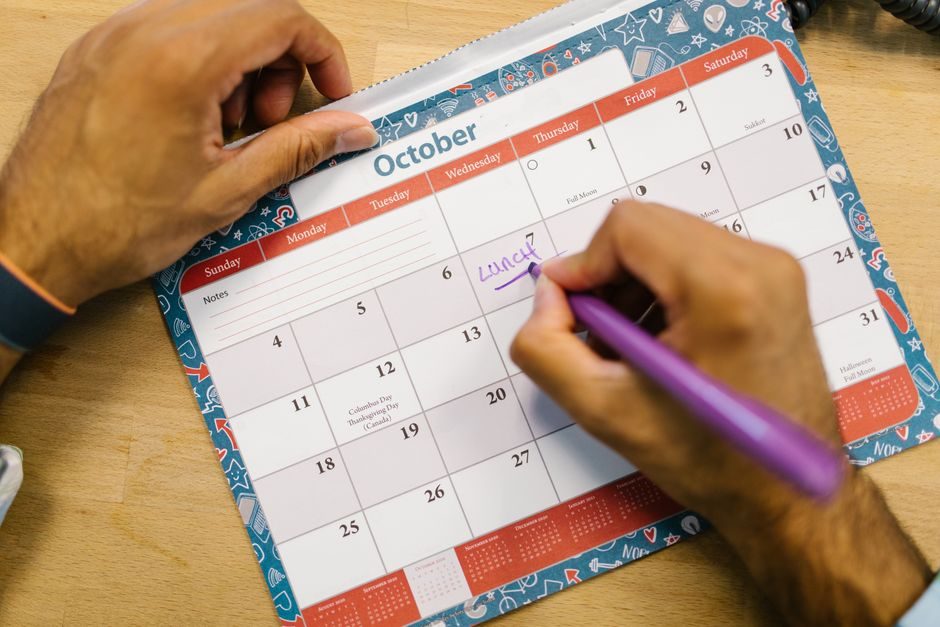
Common calendar inaccuracies
Many calendars list events with vague descriptions, making it hard to judge relevance for tech readers. Look for precise times, clear locations, and a defined scope of topics to avoid wasted tickets. Misleading dates or duplicate listings are a telltale sign of lower-quality sources. Gebrauchtes zu verkaufen in Deutschland helps readers understand how marketplaces can connect with tech communities and events.
Inaccurate or outdated entries break planning workflows, especially for conference programming and developer meetups. Verify a calendar’s update cadence by checking recent edits and last-seen timestamps. For critical events, cross-check with the organizer’s site before committing resources.
- Check event date and venue clearly
- Look for a verified source badge or organizer name
- Note any changes or cancellations promptly
- Avoid calendars that pile unrelated topics together
Practical tips and tricks
Streamline your search process
Create a short list of must-attend topics like AI ethics or cybersecurity conferences, and filter calendars accordingly. Use regional and topic-specific tags to cut through noise. Set calendar alerts for new listings that match these filters. Traueranzeige aufgeben in Deutschland should be considered when researching event forms that require official notices.
Organize events in a personal planner or app, noting deadlines for registration and travel. Prioritize high-signal events such as major summits or hands-on workshops over general meetups. This helps maintain focus and reduces decision fatigue.
- Define topic filters
- Set alert rules
- Keep a simple personal schedule
- Prioritize high-signal events
Alternative resources
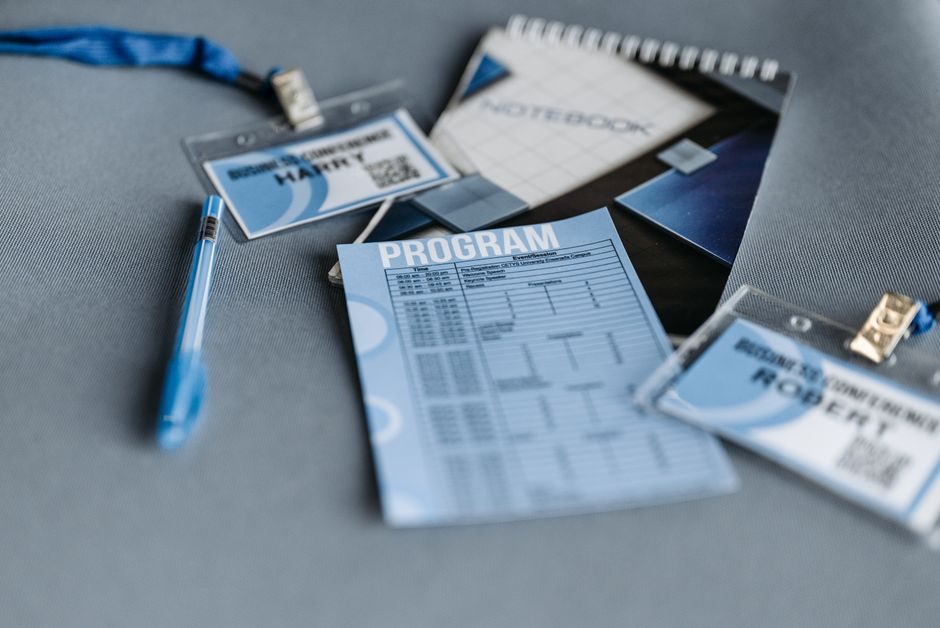
Different calendars for different needs
For technical audiences, combine national and regional calendars with topic-specific feeds like AI or cybersecurity. This gives broader coverage without overwhelming your inbox. Cross-reference with official event pages for the most accurate details.
Some calendars specialize in industry dissections or academic conferences, which can help gauge depth and rigor. Use those sources to identify recurring events and assess their track record over multiple years.
Finally, consider newsletters and RSS feeds as a supplementary channel that surfaces timely updates between calendar refreshes.
- National, regional, and niche calendars
- Official event pages for verification
- Newsletters as a supplementary channel
How to evaluate a calendar source
Assess credibility and scope
Evaluate credibility by checking the calendar’s maintainer and update frequency. A well-curated calendar shows recent edits and consistent formatting. Look for clear affiliations or editorial notes that signal reliability.
- Credibility rests on active maintenance and clear attribution.
- A good calendar balances breadth with reliable detail.
- Always verify with the event’s own page before registering.
Assess scope by sampling listings across topics and dates. A trustworthy calendar covers a range of events, not just one niche. Check whether it includes virtual options and regional events to reflect your tech interest accurately.
Consider user feedback and moderation signals, such as corrections and user comments, which signal ongoing maintenance and responsiveness.
- Check maintainer identity
- Look for last-updated stamps
- Assess topic breadth and regional coverage
- Note moderation signals or user feedback
Frequently asked questions
How often should I check calendars for tech events?Check calendars at least once a week if you actively track events, and set alerts for new listings that match your interests. This helps you catch relevant opportunities early and plan travel or budget in advance.
Can I rely on one calendar for all tech topics?Most readers use a mix of calendars to cover different topics and regions. A single calendar provides a base view, but cross-check with official pages to confirm details before deciding to attend.
How do I verify a calendar’s credibility quickly?Look for recent updates, a clear maintainer, and direct links to official event pages. A consistent format and explicit author notes signal a reliable source.
Conclusion
Takeaways restate practical steps for using Deutschland Veranstaltungskalender with tech readers in mind, emphasizing verification and curated sources.
The next step is to integrate the habit of cross-checking top listings with official pages and to set up alerts, ensuring a lean, repeatable workflow that scales with activity.

Add Technology News as a preferred source on Google


